Real-Time Reporting Dashboards: Make Data-Driven Decisions
By AI Business Check Team
Picture this: it's 3pm on a Tuesday and a key client calls asking about their order status. You frantically search through spreadsheets and phone your warehouse manager. Meanwhile, your competitor has the answer instantly on their dashboard. Which business would you trust with your next order?
If you're still relying on weekly reports and gut feelings to run your business, you're flying blind. Real-time reporting dashboards put all your vital business data in one place, updating automatically so you can make informed decisions the moment opportunities or problems arise.
What Are Real-Time Reporting Dashboards?
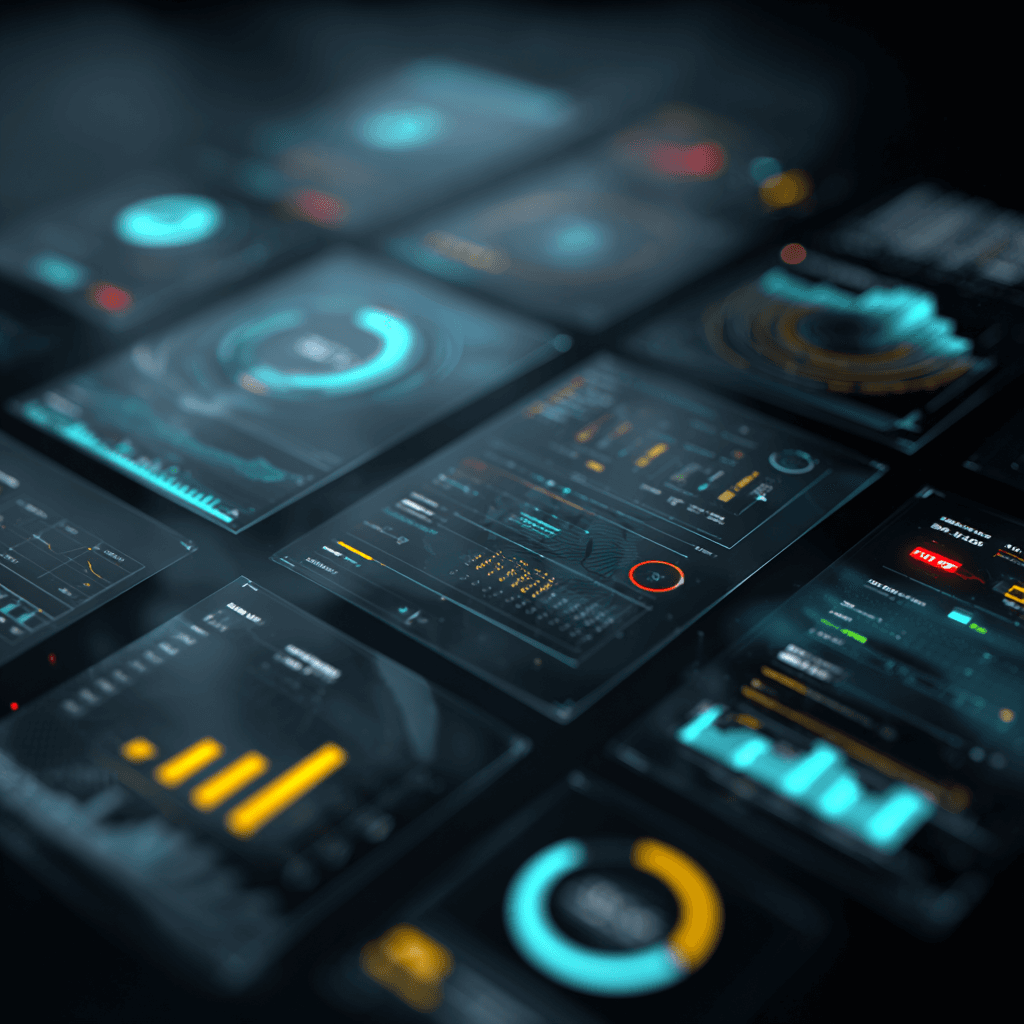
Think of a dashboard as your business control centre. Just like your car dashboard shows speed, fuel level, and engine temperature at a glance, a business dashboard displays your key performance indicators (KPIs) in real-time.
Instead of waiting for monthly reports or digging through different systems, you see everything that matters on one screen: sales figures, inventory levels, customer satisfaction scores, cash flow, and whatever else drives your business forward.
The magic happens because these dashboards connect to your existing systems. Your sales software, accounting package, stock management system, and customer database all feed information automatically. No more manual data entry or hunting through folders.
Why Real-Time Matters
"Real-time" isn't just a fancy buzzword. It can be the difference between catching problems early and facing costly disasters.
Take stock management. A traditional approach might involve weekly stock checks. But what if your best-selling product runs out on Monday? You won't know until next week's report, potentially losing sales for days. A real-time dashboard alerts you the moment stock hits your reorder point.
Or consider cash flow. Many businesses only check their financial position monthly. But if a major customer pays late or unexpected expenses hit, you might not realise you're heading for trouble until it's too late. Real-time financial dashboards show your current position so you can take action immediately.
Practical Examples for Different Business Types
Manufacturing: Track production output, machine downtime, defect rates, and raw material usage. Spot bottlenecks before they shut down your entire line.
Retail: Monitor sales by product, location, and time period. See which items are flying off the shelves and which are gathering dust, helping you optimise stock and promotions.
Professional Services: Track billable hours, project profitability, and client satisfaction scores. Identify your most profitable work and spot projects that are going over budget.
Construction: Monitor project progress, resource allocation, and budget spend. Know exactly where each job stands without chasing project managers for updates.
Hospitality: Track occupancy rates, average spend per customer, staff productivity, and customer reviews. Respond quickly to service issues and optimise pricing.
Getting Started: What to Measure
Don't try to track everything at once. Start with the numbers that directly impact your bottom line:
Financial metrics: Revenue, profit margins, cash flow, outstanding invoices Customer metrics: New customers, repeat business rates, customer satisfaction scores Operational metrics: Order completion times, stock levels, staff productivity Sales metrics: Conversion rates, average order values, sales pipeline status
Choose 5-8 key metrics to start. You can always add more later once you're comfortable with the basics.
Common Concerns and Solutions
"But we're too small for this kind of technology." Actually, small businesses benefit most from dashboards because you can't afford to waste time on manual reporting. Modern solutions are designed for SMEs and often cost less than hiring someone to create reports manually.
"Our data is spread across different systems." That's exactly why you need a dashboard. Most modern platforms connect to popular business software like Sage, QuickBooks, Shopify, and dozens of others.
"What if the information is wrong?" Dashboards show you data problems faster than traditional reporting. If numbers look odd, you can investigate immediately rather than discovering errors weeks later.
Making It Happen
Start by identifying what decisions you make regularly and what information you need for them. Then look for dashboard solutions that connect to your existing software. Many accounting packages now include basic dashboards, while specialist platforms offer more advanced features.
The key is starting simple and building up. A basic dashboard that you actually use beats a complex one that sits ignored.
Ready to stop guessing and start knowing? Our free Digital Efficiency Assessment at /assessment evaluates how well your business currently handles reporting and data, plus identifies other opportunities for digital transformation. It takes just a few minutes and could save you hours every week.
Ready to assess your business?
Take our free Digital Efficiency Assessment and get a personalised report on where automation could help your business the most.
Start Free Assessment